How to Make a Zombie Love Story Video from Two Photos — 2026
2026 guide: A practical upload-to-download walkthrough for a 25-second zombie love story, including role selection, private order links and a final video review.
Zombie AI Trend Art editorial · Published
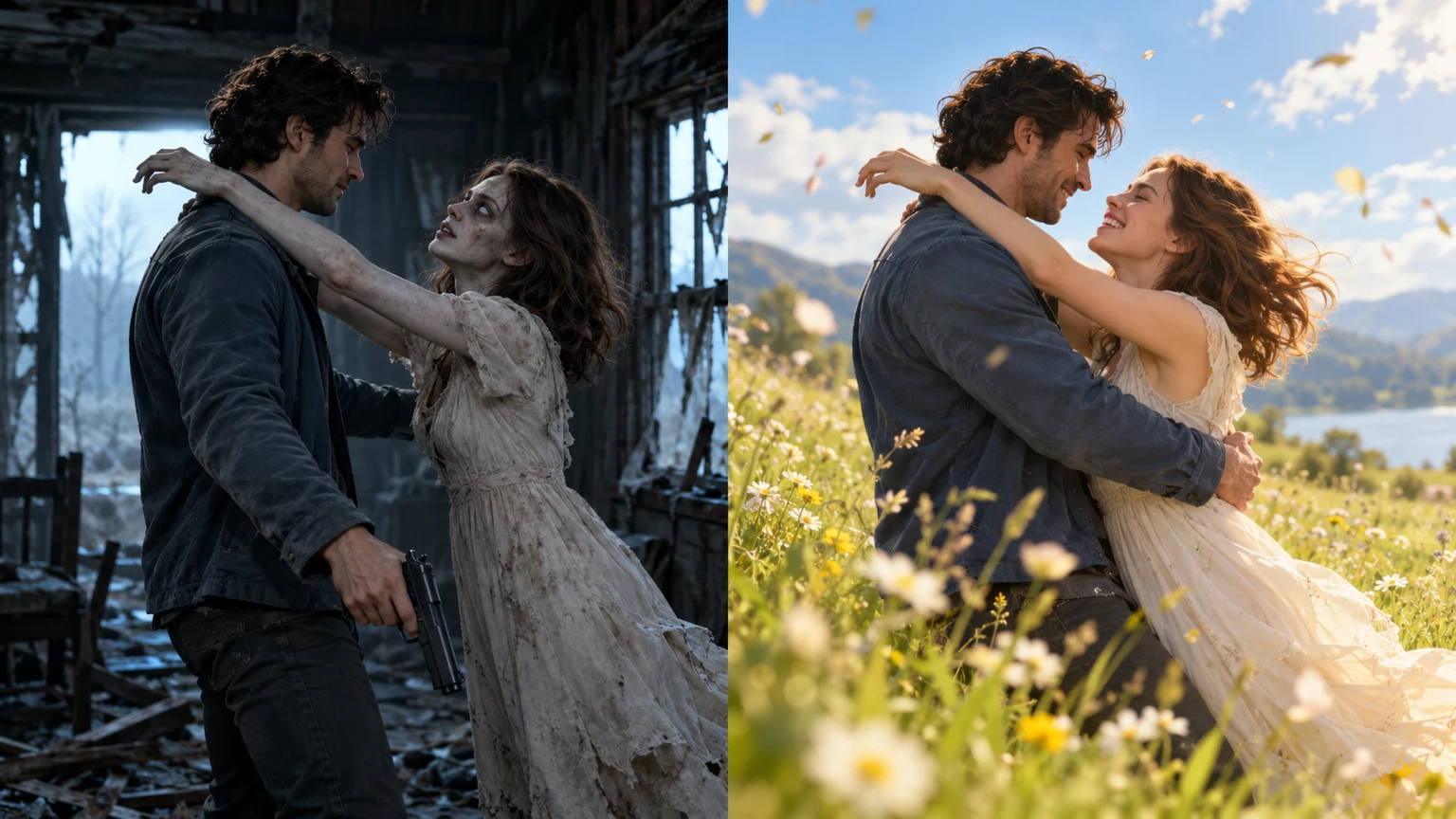
To make a zombie love story on Zombie AI Trend, choose a story template on the homepage, upload two authorized adult portraits, select 9:16 or 16:9, enter a contact email and pay $5.00 once. Follow the private order page to preview and download the result. The requested export is 25 seconds at 720P.
Decide who plays each role
Photo 1 supplies the survivor. Photo 2 supplies the infected partner and that person's healthy appearance in the memory. These roles follow upload order, not gender. Use an ordinary portrait for each person; a separate zombie makeup photo is unnecessary. Choose one clearly visible adult per image and obtain permission before using another person's likeness.
Create the video step by step
- Open the homepage and preview Mountain Reunion or Wheat Field Memories. Select the template you want, then use the template button to reach the upload form.
- Add photo 1 and photo 2 in the labeled slots. The form accepts JPG, PNG and WebP up to 10 MB per image. Recheck the two faces before continuing.
- Choose portrait 9:16 for a tall composition or landscape 16:9 for a wider scene. Enter your contact email, confirm permission to use both photos and continue to the one-time payment.
- After payment, keep the private order page. Use Copy private link or Save private link file before changing browsers or clearing browser data. The saved text file contains access information, not a payment receipt.
- When the order is ready, play the full video and download a local copy. Delivered media remains available for 14 days; keep the complete private link confidential.
Check the story before posting
Watch the opening, the moment of contact and the brighter memory. Confirm that the intended people remain recognizable, that arms and hands look plausible, and that movement makes sense across the cut. Listen through the transition as well. The prompt requests natural scene sound without music, but the generated result must be checked.
The storyboard targets ten seconds in the apocalypse followed by fifteen seconds in the memory. AI timing, facial details, clothing and action can vary. If payment has already been taken, refresh the existing order rather than buying again while it processes. Explicit generation failure or no delivery within 24 hours after payment enters automatic full-refund processing; bank posting time is separate.
Frequently asked questions
Will the video arrive by email?
No. The email is a contact address. Current delivery uses the private order page, and there is no email-based self-service recovery. Save the full private link.
Can I write my own prompt in the form?
The form uses the selected built-in story. For a custom workflow, read the free prompt guide and use an external tool that accepts your references and instructions.