9:16 or 16:9? Format and Fixes for Your Zombie AI Video — 2026
2026 guide: Choose a useful frame before generation and follow a practical review for face drift, awkward match cuts, sound and private download problems.
Zombie AI Trend Art editorial · Published
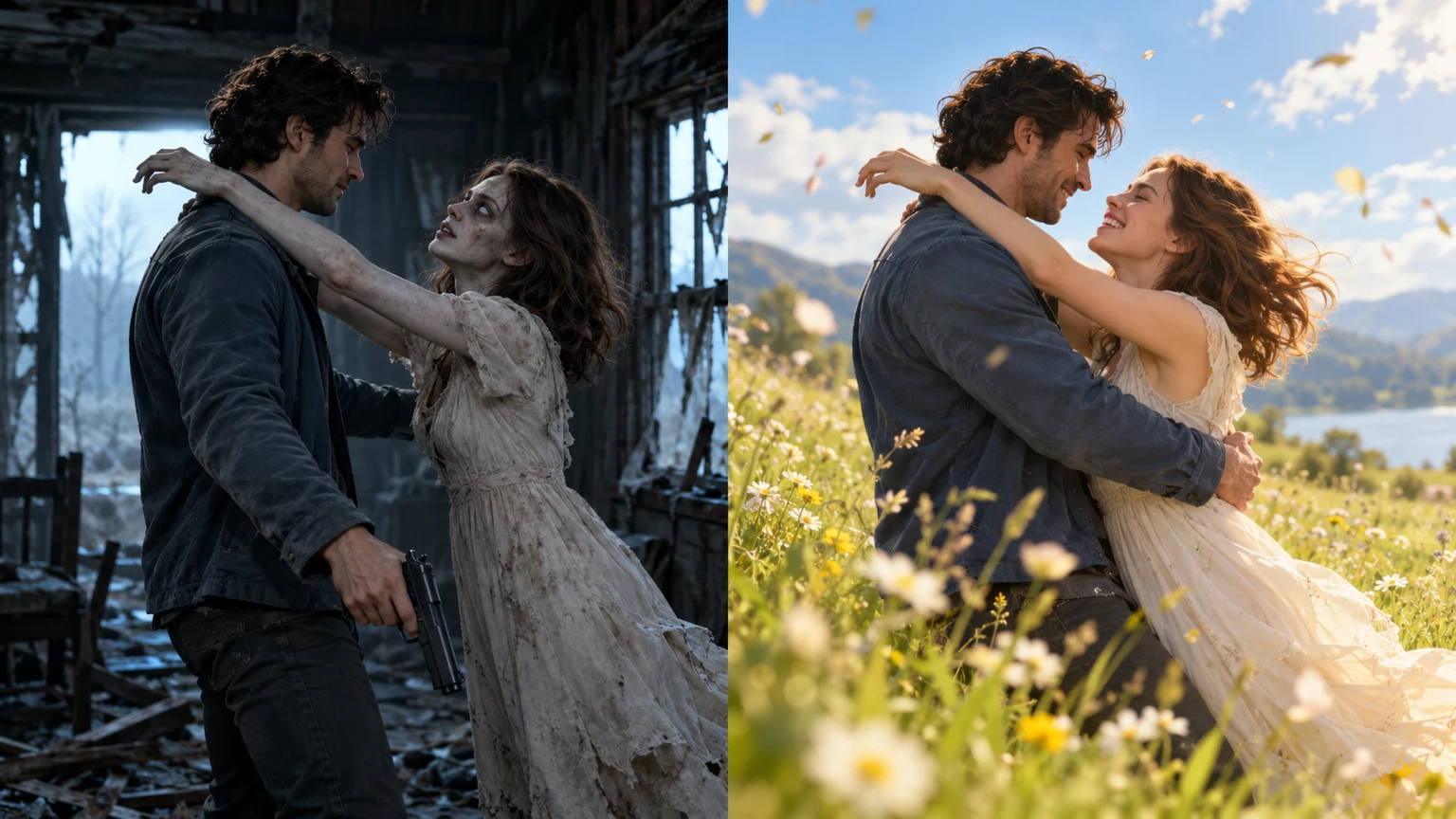
Choose 9:16 when you want a tall composition for a vertical short-video project; choose 16:9 when a wider scene matters more. Zombie AI Trend requests 25 seconds at 720P in either format. After generation, review the full file before posting. Changing the frame does not guarantee better faces, correct hands or an exact match cut.
Choose the frame before paying
Think about the final composition: both people need room during the approach and embrace, and the dog story needs room for the greeting. A later crop can remove faces, hands or the movement that connects the scenes. Use a vertical project for a vertical output and inspect any crop before exporting from another editor.
The form offers two aspect ratios, not separate 480p, 1080p or 4K tiers. Both use the same 720P setting and one-time $5.00 price. There is no in-form caption or music selector. Check your destination platform's current upload and disclosure requirements when publishing; choosing a familiar aspect ratio alone does not establish eligibility or reach.
Review the result in a useful order
- Play once at normal speed to understand the story. Then pause around contact and compare the pose, camera angle and screen direction on each side of the scene change.
- Check both faces in the opening and the memory. If identity drifts, a caption will not repair it. Better input photos may help a future attempt, but do not guarantee a correction.
- Inspect hands, arms, legs and, for the dog version, paws and gait. Trim an isolated awkward edge only if the story still makes sense; missing anatomy or missing action is not recoverable by a simple crop.
- Listen with headphones and without them. The prompt requests natural scene sound without music. If the delivered audio is unsuitable, adjust or replace it in your own editor using material you have permission to use.
- Watch the final exported file from start to finish, checking that captions do not hide faces or contact. Save the original download separately before making edits.
Distinguish an output issue from an access issue
A playback error does not automatically mean the generation is lost. On a completed order, try Refresh video link or download the file; the page also attempts link recovery. Use the full saved private link when changing browsers. Copying the current address bar may omit the access token.
Delivered media remains available for 14 days. Expiration is different from a temporary playback error: the retained video is no longer available after that window. For help, send the order ID to the listed support email and describe the issue. Do not publish the private link. Generation failure and late-delivery refunds follow the refund policy; an aesthetic concern is not the same as an undelivered order.
Frequently asked questions
Can cropping turn every landscape result into a good vertical video?
No. A crop can remove important action. Start with the intended aspect ratio when possible, and review the whole frame before publishing.
Can an editor make a bad match cut exact?
An editor can change cut timing when suitable frames exist. It cannot reconstruct missing poses or guarantee consistent identity. Major problems may need a different generation rather than a small edit.